
↵Open
Mergepoint changelog
Ask chat about your inbox, calendar and files
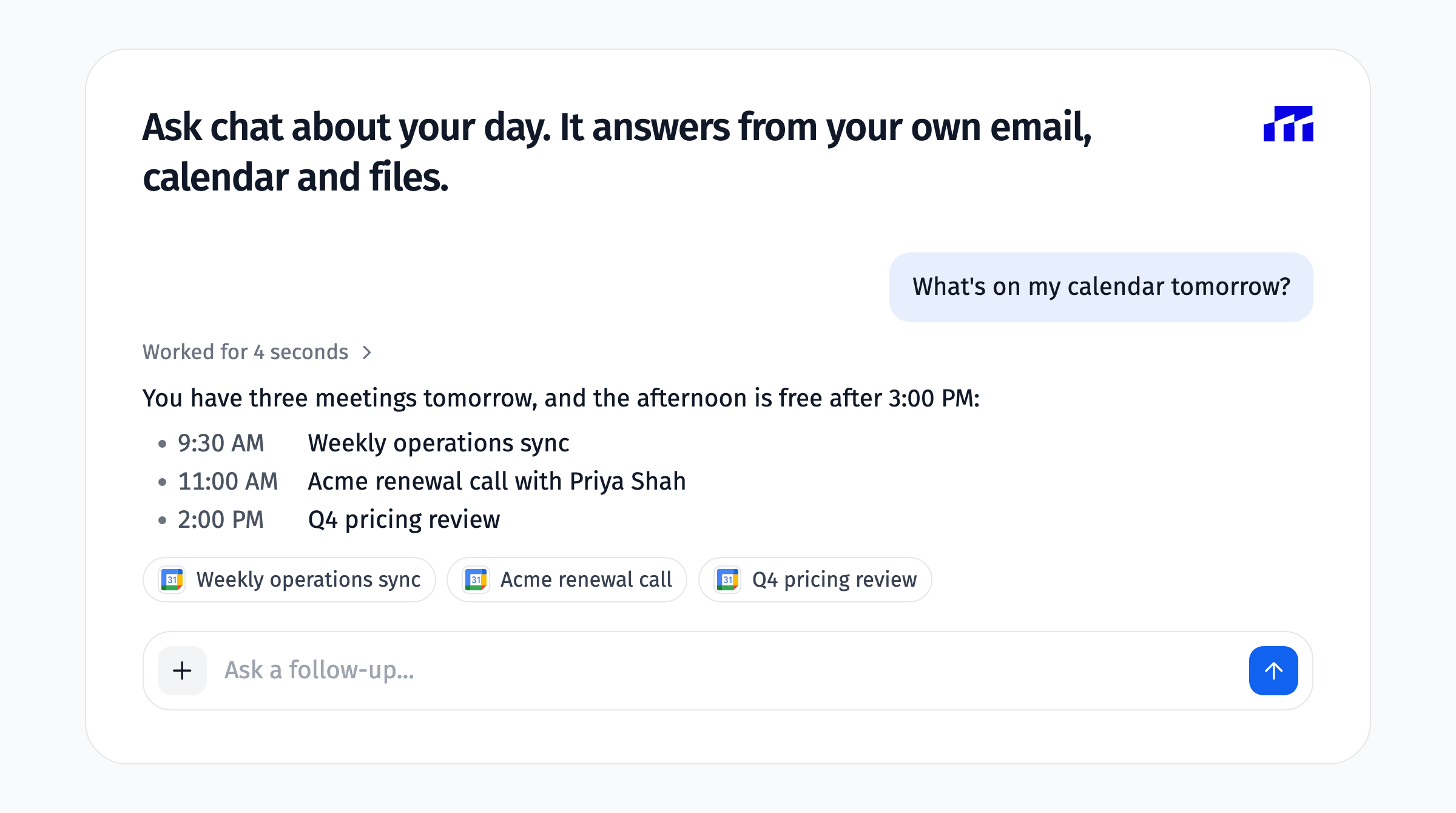
Chat can now read your own Gmail, Google Calendar and Google Drive. Ask a question the way you'd ask a colleague, and get the answer from your actual emails, meetings and documents, with a link to each one.
Ask about your day
"What's on my calendar tomorrow?"
"When was my last meeting with Acme?"
"Find the receipt Apollo sent this month. How much was it?"
"Pull up the latest version of the Q4 pricing doc."
See where every answer came from
Chat shows what it searched, like "Searched Gmail for apollo", and links every email, event and file it used, so you can open the original in one click. If you've connected more than one Google account, it tells you which account each item came from.
Switch on only what you want
Connect Gmail, Calendar or Drive from the + menu in chat, then switch each one on or off under Integrations. Chat reads only what you switch on. It searches live each time you ask and keeps nothing.
For admins
The Let people connect accounts switch decides whether people in your workspace can connect their own Google accounts.